The short answer
Use a Trip.com Flight + Hotel package as a comparison lane, not an automatic bargain. Compare the same flight, baggage, exact room, taxes, payment timing, and cancellation terms against separate bookings, and pause when a deciding term is missing.
- Use the same dates, travelers, airports, baggage, and room occupancy on both sides of the comparison.
- Match the exact room name, inclusions, payment timing, and cancellation deadline—not only the hotel name.
- Add transfers and activities after the arrival area and usable hotel day are clear.
- Trip.com and the selected provider remain the sources of truth for live prices, inventory, and booking terms.
Put the package and separate bookings on the same worksheet
Use one traveler count, one set of dates, and one room requirement. Record every missing term as an unresolved question rather than assuming the package inherits the most flexible condition.
| Check | Package record | Compare against |
|---|---|---|
| Flight | Airline, airports, schedule, stops, cabin, baggage, and change terms | The same itinerary booked separately, including the same baggage |
| Hotel | Exact property, room name, occupancy, meals, taxes, and cancellation deadline | The same room and terms on the standalone hotel result |
| Payment | Due now, later charges, currency, card fees, and refund path | The final payable total for both separate bookings |
| Arrival | Landing time, transfer, check-in window, mobile data, and first meal | The real first-night plan, not only the airfare and room |
| Activities | Pickup area, free days, weather fallback, and cancellation terms | Booking after the hotel area and daily route are confirmed |
| Fallback | Who handles a flight change, missed night, or hotel issue | The separate airline and hotel support paths |
Start with a like-for-like total
Open the package and separate-booking options for the same travel dates, passenger count, airport pair, baggage, and room occupancy. A cheaper bundle is not comparable if it removes checked baggage, changes airports, adds a stop, or substitutes a less flexible room.
Write down the full payable total rather than the first displayed price. Include taxes, service charges, baggage, seat choices that matter, airport transport, and any payment or currency difference visible before purchase.
Use the room comparison worksheet →Treat the exact room as a package component
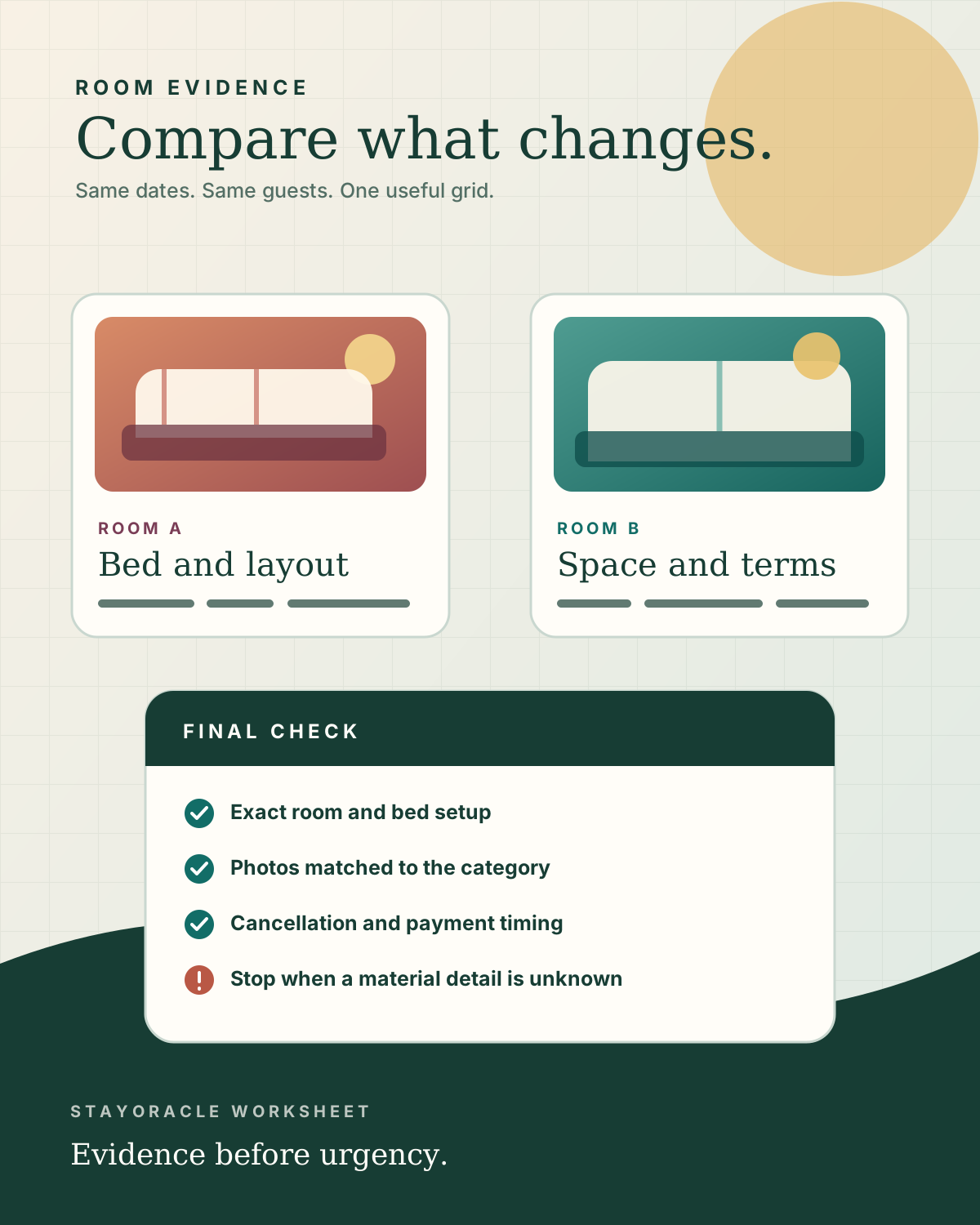
The hotel name is not enough. Match the room title, bed setup, occupancy, meal plan, room-specific photos, cancellation deadline, and payment timing. If the package hides a room detail that matters, keep it unresolved until the live checkout or provider support confirms it.
Use the independent hotel guide for area and room evidence, then return to Trip.com for current availability and the final terms. StayOracle does not claim live package prices or availability.
Check whether one change affects both bookings
A package can simplify the purchase, but disruption rules still need a careful read. Trip.com's service information describes a Flight + Hotel protection path for certain flight changes; the exact eligibility and remedy must be confirmed for the selected booking before payment.
Save the airline, flight numbers, property address, room title, cancellation deadlines, and support route in one offline note. That makes the combined itinerary usable even when the app, airport Wi-Fi, or a confirmation email is temporarily unavailable.
Choose activities after the hotel area wins
Trip.com's destination activity pages can contain day tours, tickets, transport products, food experiences, and travel essentials. The useful filter is not popularity alone; it is whether the pickup area, start time, return time, physical demands, and cancellation rules fit the chosen hotel.
Keep the first day light when a flight, transfer, check-in, and activity would otherwise depend on each other. A flexible activity after the arrival buffer is usually safer than a tightly timed tour on landing day.
Check the activity and hotel-pickup worksheet →Keep train planning as a separate route decision
A train leg changes the hotel question: station access, luggage movement, departure margin, arrival time, and the final transfer matter more than a generic city-center label. Do not assume a Trip.com train search supports the exact country, route, or date until the live result confirms it.
If rail is unavailable or the station handoff is awkward, compare the relevant flight and hotel timing again. The best transport choice is the one that leaves enough margin for the actual room and check-in plan.
Compare a rail-led Bangkok and Chiang Mai plan →Stop when the bundle hides the deciding term
Pause before payment when baggage is unclear, the exact room cannot be matched, cancellation language differs across screens, taxes are not reconciled, or a late arrival is outside the stated check-in plan.
A package should reduce friction after the comparison, not remove the evidence needed to make the comparison. Save screenshots or notes of the final itinerary and terms that drove the choice.
Questions this guide answers
Is a Trip.com Flight + Hotel package always cheaper?
No. Compare a package with the same flight, baggage, exact room, taxes, payment timing, and cancellation terms booked separately. A lower headline is not a saving when the underlying itinerary or terms differ.
What should I compare before booking a Trip.com package?
Compare the airline and airports, schedule, stops, baggage, exact hotel room, occupancy, meals, taxes, payment timing, cancellation deadline, transfers, and final payable total for the same dates and travelers.
When should I add activities to a flight and hotel package?
Add activities after the hotel area, arrival time, transfer, and free days are confirmed. Then check the selected activity's pickup boundary, timing, inclusions, and cancellation terms.
Does StayOracle sell or manage Trip.com packages?
No. StayOracle is an independent planning guide that may earn a commission from affiliate links. Trip.com and the selected travel provider control live availability, fulfillment, prices, and booking terms.
Sources checked
Provider, operator, and official destination pages reviewed for this article on 15 July 2026. Transport, activity, and hotel service details can change, so reconfirm live terms before paying.
- Trip.com Flight + Hotel packages Official Trip.com package hub reviewed for the combined flight-and-hotel search surface; live price, inventory, and terms still depend on the selected itinerary.
- Trip.com customer service guarantee Official service information reviewed for the Flight + Hotel disruption wording; travelers must confirm the exact booking's eligibility and current terms.
- Trip.com activities Official activities hub reviewed for the destination activity, ticket, tour, and travel-essential search surface.
- Trip.com trains Official train hub reviewed for the live route-search surface and supported-market caveat; no Southeast Asian route is assumed bookable without a result.